BringThis
Who is bringing what, sorted at one link.
Name the event, list what is needed, share one invite. Guests promise what they will bring.
How it works
Step 1
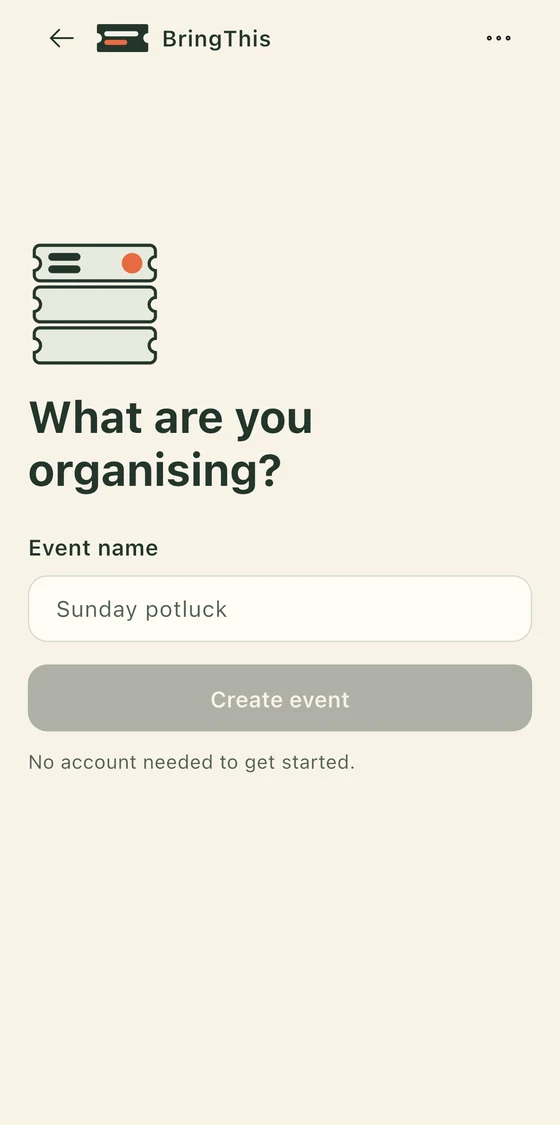
Start with a name
Type "Sunday potluck" or "Class picnic" and the board opens. No account, no sign-in, no network needed.
Step 2
No account needed
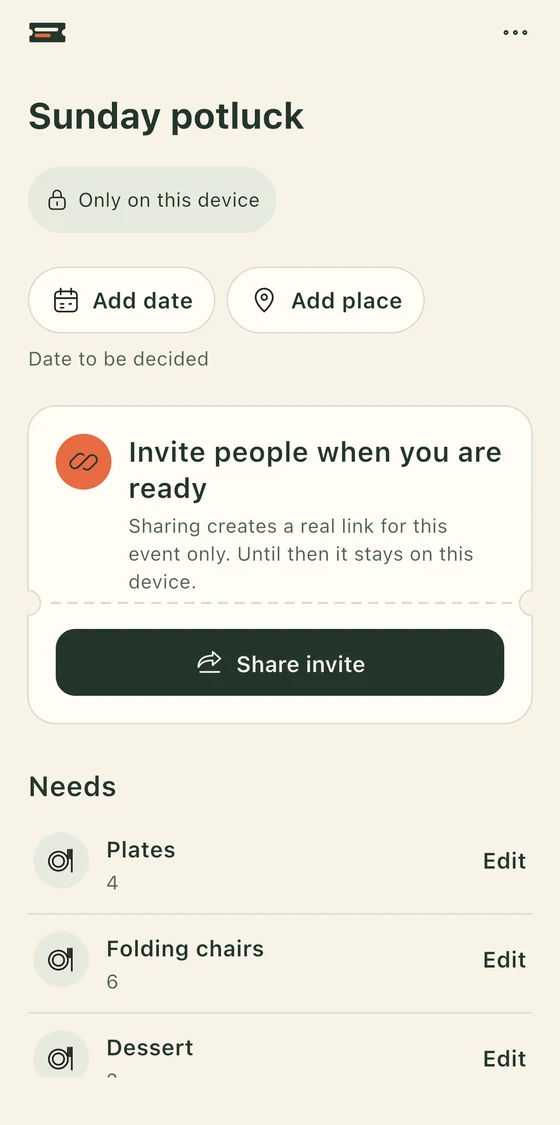
Add what is needed. Plates, a salad, someone to bring the cooler. A name and a quantity are enough. The board stays only on your phone until you share it.
Step 3
Share when ready
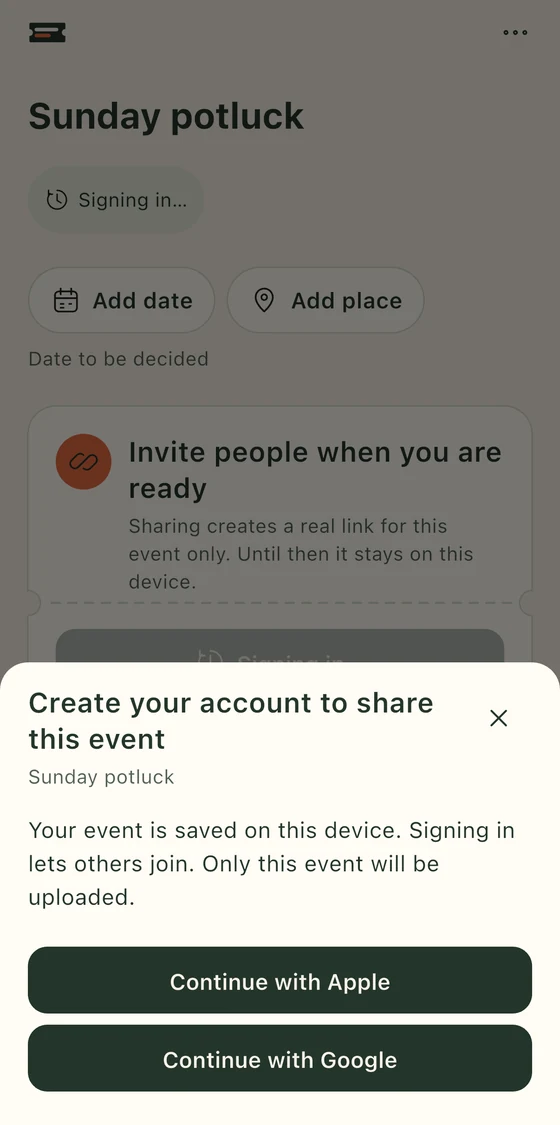
The first time you share, you sign in with Google or Apple and that one event is published. You get a real link. Send it however you already talk to people.
Guests open the link on the web or in the app, tap Join event, and promise what they will bring. A promise shows as confirmed only after the server has recorded it. Undo cancels it for real.
What it will not do
- No account to start. You need one only when you share an event or join one.
- No ads. Nothing on the page is sponsored, nothing is tracked for advertising.
- No feed and no public search. An event can be found only by its link.
- No email or password login. Sign-in is Google or Apple only.
- No pretend urgency. Nothing counts down and nobody is nudged.
Questions
- Do guests need the app?
- No. The invite opens in any browser. They sign in with Google or Apple, tap Join event, and see the board. The app is there if they want it.
- What does a guest see before joining?
- The event title, or a generic label if the host chose that, the host's name and the event's privacy settings. Never the place, the date, the list or anyone's name before they join.
- Can I delete my data?
- Yes, yourself, at any time, from Your data and Delete account. Deleting an account ends your sign-in right away, cancels your promises and removes your name from events. What is left is erased within 30 days. The full detail is in Privacy.